 Python Classroom
Real Python.
In the browser.
Zero setup.
Students write and run Python, Pygame, and Pygame Zero straight from any browser. Teachers build courses, set assignments, and give feedback right on the code.
Free during beta · works on school Chromebooks · students need no email address
Teaching outside New Zealand?
We can work together to build a course aligned to your national curriculum, in Python, Pygame or Pygame Zero. Tell us about your country and curriculum, and we will talk about what is in it for you.
One editor. Three ways to code.
Real Python, with nothing to install, from a first print() to a finished game.
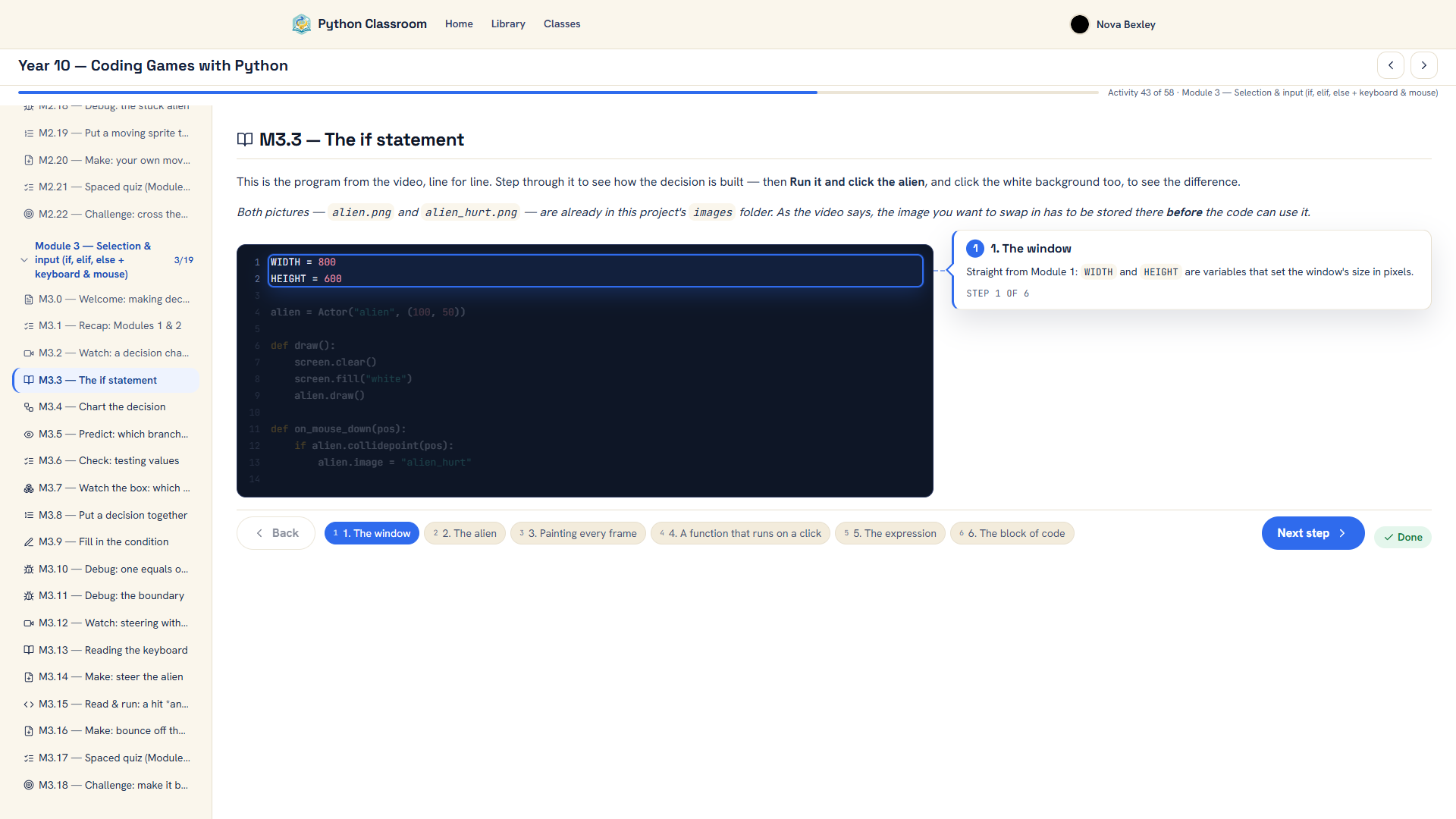
Python Classroom is a browser-based coding environment for teaching Python, Pygame and Pygame Zero.
Python
Full CPython in the browser via Pyodide, running instantly on a Chromebook.
Write some PythonPygame
Real 2D games and graphics with pygame-ce — your own game loop, every frame drawn client-side.
Make a gamePygame Zero
The boilerplate stripped away — a first-timer builds a working game in minutes, not weeks.
Start simpleThe whole classroom, not just the code editor
One place for the course, the work, and the feedback: students work through activities that check themselves, and you can see who’s stuck and reply right on their code — without leaving the browser tab.
Coming from Trinket?
Trinket shut down on 31 August 2026. Python Classroom runs real Python in the browser, free during beta, with classes, assignments and feedback built in.
- Start free in beta
- Make a class
- Add your Python lessons
Student code runs on the student’s own device.
- No server-side runner Python executes in the browser, so there is no server of ours running student work.
- No email needed for students Teachers can create managed accounts for students who have no email address.
- Works on school Chromebooks Nothing to install, so there is nothing for IT to approve or push to devices.
Answers before you sign up
The questions teachers ask first.
Does Python Classroom work on Chromebooks?
Yes. It runs in the browser, so there is nothing to install. Students open a link and start coding.
Is it free?
Yes, while we are in beta. We will introduce paid plans after the beta, and we will tell you the pricing well before anything changes. Because Python runs in your students’ browsers, we expect to keep it low-cost for schools.
Do students need an email address?
No. Teachers can create managed student accounts that have no email.
Where does student code run?
In the student’s own browser, using Python compiled to run client-side. It is not sent to a server to execute.
Can I use it for the NZ Year 10 curriculum?
Yes. Our Code a Game in Python course is mapped element by element to the Year 10 curriculum. See how it maps
I used Trinket. Can I switch?
Yes. Trinket shut down on 31 August 2026. Sign up, create a class and add your lessons.
Ready when your class is.
Set up your first course in minutes.
Free during beta. No email needed for students.