 Python Classroom
Real Python.
In the browser.
Zero setup.
Students write and run Python, Pygame, and Pygame Zero straight from any browser. Teachers build courses, set assignments, and give feedback right on the code.
No install · works on school Chromebooks · real Python, not a toy
Built for the refreshed New Zealand Curriculum
Python, Pygame and Pygame Zero courses mapped to the Year 10 Computer Science strand and Year 11 Digital Technologies | Hangarau Matihiko — computational thinking, programming and data representation, lesson by lesson.
One editor. Three ways to code.
Real Python — no installs, no server — from a first print() to a finished game.
Python
Full CPython in the browser via Pyodide — the language your students meet at NCEA, running instantly on a Chromebook.
Write some Python →Pygame
Real 2D games and graphics with pygame-ce — your own game loop, every frame drawn client-side.
Make a game →Pygame Zero
The boilerplate stripped away — a first-timer builds a working game in minutes, not weeks.
Start simple →The whole classroom, not just the code editor
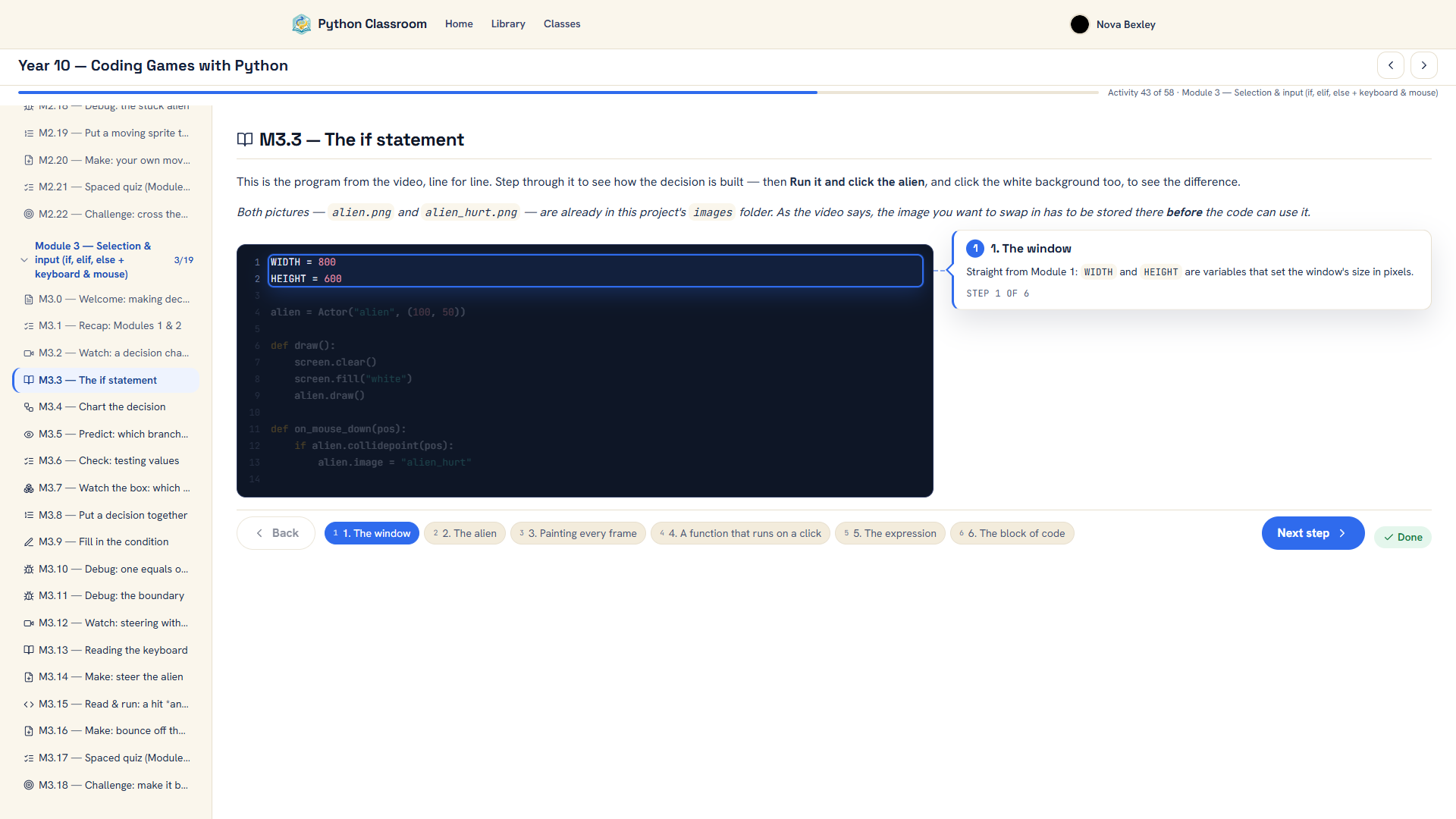
One place for the course, the work, and the feedback: students work through activities that check themselves, and you can see who’s stuck and reply right on their code — without leaving the browser tab.
Ready when your class is.
Free to start — everything runs in the browser, so there’s no server to pay for. Set up your first course in minutes.